





T-nspire new model just released
TexasInstruments-Logo

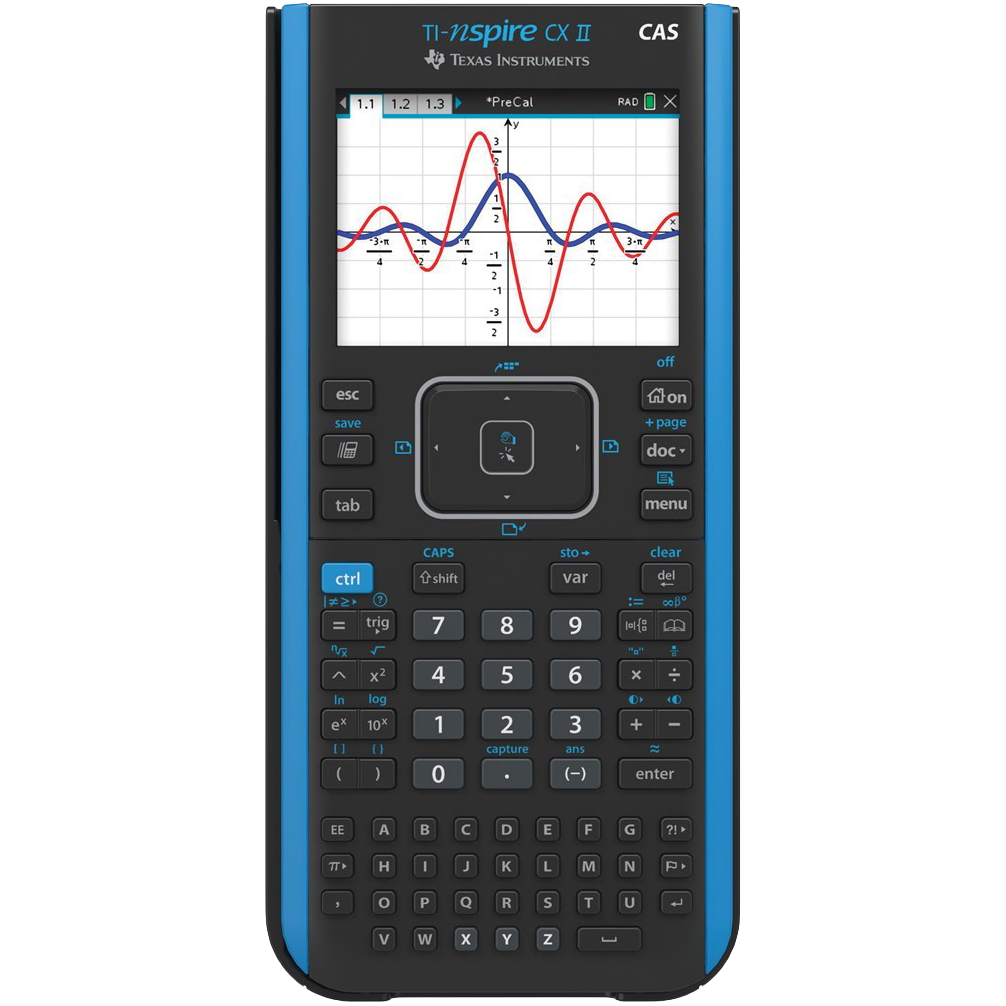
TI Nspire CX II CAS

Our most powerful Computer Algebra System (CAS) graphing calculator that enables a deeper understanding of abstract concepts in math and science subjects. The TI-Nspire™ CX CAS graphing calculator provides algebraic capability to symbolically solve equations, factor and expand variable expressions, complete the square, find antiderivatives, computer limits and exact solutions in irrational forms, making it a robust hands-learning tool that satisfies math and science curriculum needs from middle school through college. Approved for high stakes exams Can be utilized on the PSAT®, SAT® and ACT® college entrance exams, as well as IB® Diploma Programme and AP® exams that allow or require a graphing calculator

Our most powerful Computer Algebra System (CAS) graphing calculator that enables a deeper understanding of abstract concepts in math and science subjects.

The TI-Nspire™ CX CAS graphing calculator provides algebraic capability to symbolically solve equations, factor and expand variable expressions, complete the square, find antiderivatives, computer limits and exact solutions in irrational forms, making it a robust hands-learning tool that satisfies math and science curriculum needs from middle school through college.

Approved for high stakes exams

Can be utilized on the PSAT®, SAT® and ACT® college entrance exams, as well as IB® Diploma Programme and AP® exams that allow or require a graphing calculator

Key features

The TI-Nspire CX II CAS is a powerful graphing calculator with features like a color display, touchpad navigation, built-in rechargeable battery, and a wide range of mathematical capabilities including graphing, algebra, calculus, and more.
The TI-Nspire CX II CAS comes with a rechargeable battery. To charge, connect the provided USB cable to the calculator’s charging port and a power source like a computer or CPU. Please avoid external phone adapters to charge the calculators.
You can use the TI-Nspire Computer Link Software to transfer files between your computer and the calculator. Connect the calculator to your computer using the provided USB cable and follow the software instructions.
Yes, Texas Instruments releases updates for the operating system. To update please click on the link, https://nspireconnect.ti.com/nsc/.
To enter Press to test mode, press TAB and ON keys simultaneously for few seconds. And enter the press to test code 0000-1790 and press start to enter exam mode.

Bulk Quote for

Texas Instruments

TI Nspire CX II CAS

Request for Demo

We're here to support your journey toward innovation and success